
Create a new basic page
Most of the pages you will create, are pages of the modulair type. Besides modulair pages, which require more effort to create but are also more versatile, you can also create more basic and 'set in stone' pages, like the contact page. To create a new page like these, login using the admin panel and navigate to the pages tab, using the navigation panel on the left side. You will land on the page shown below (figure 1).
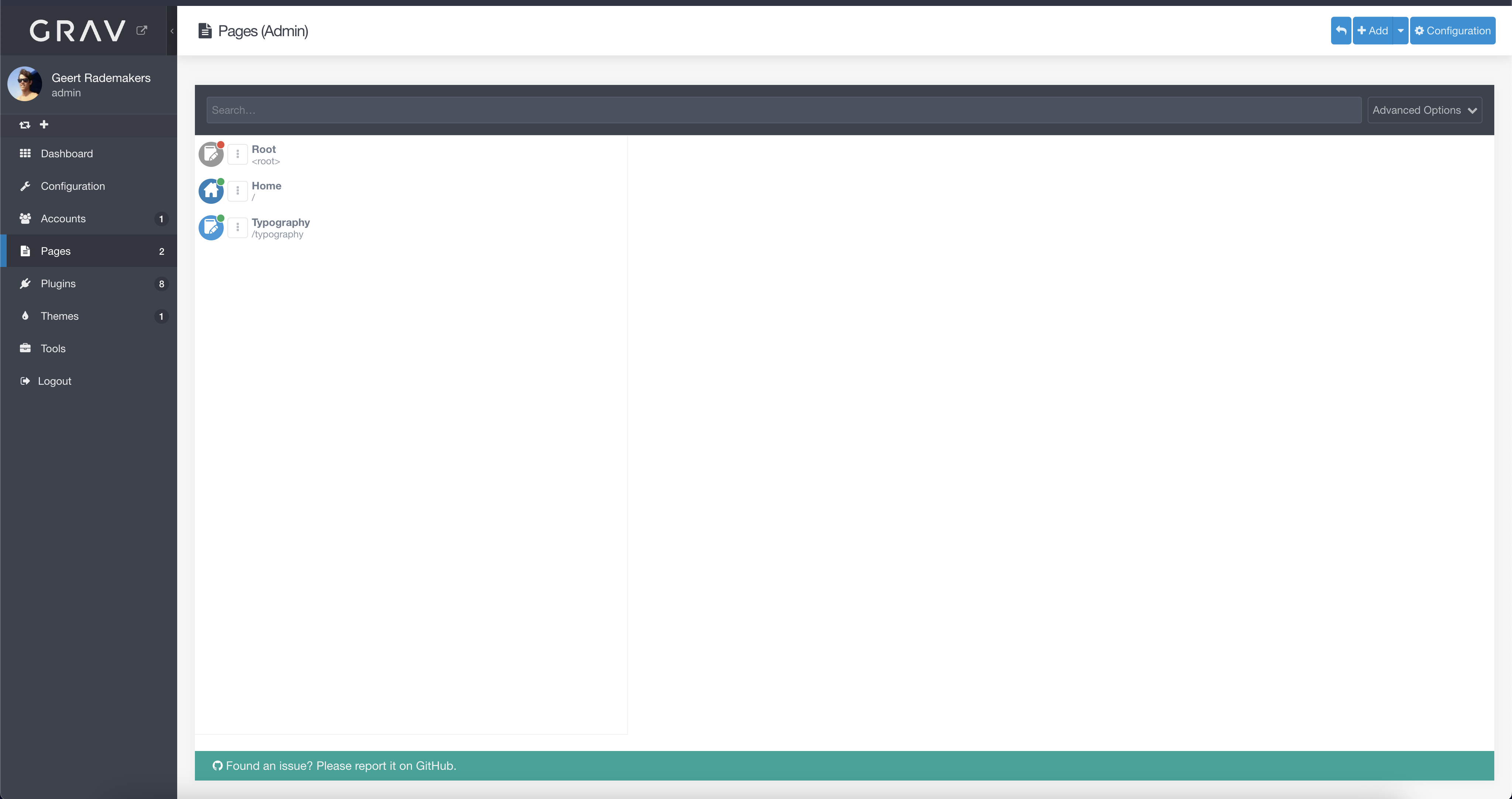 figure 1
fiAt the right top, click on the '+ Add' button in blue. You can directly click on the button, or expand the menu and select 'Add page'. You will now be prompted with a dialog asking you for the description and configuration of your new page (figure 2). On some pages, the page title is used as a header on said page. Pick a good title for your new page, but don't worry, this value can be changed later. The folder name will be automatically filled
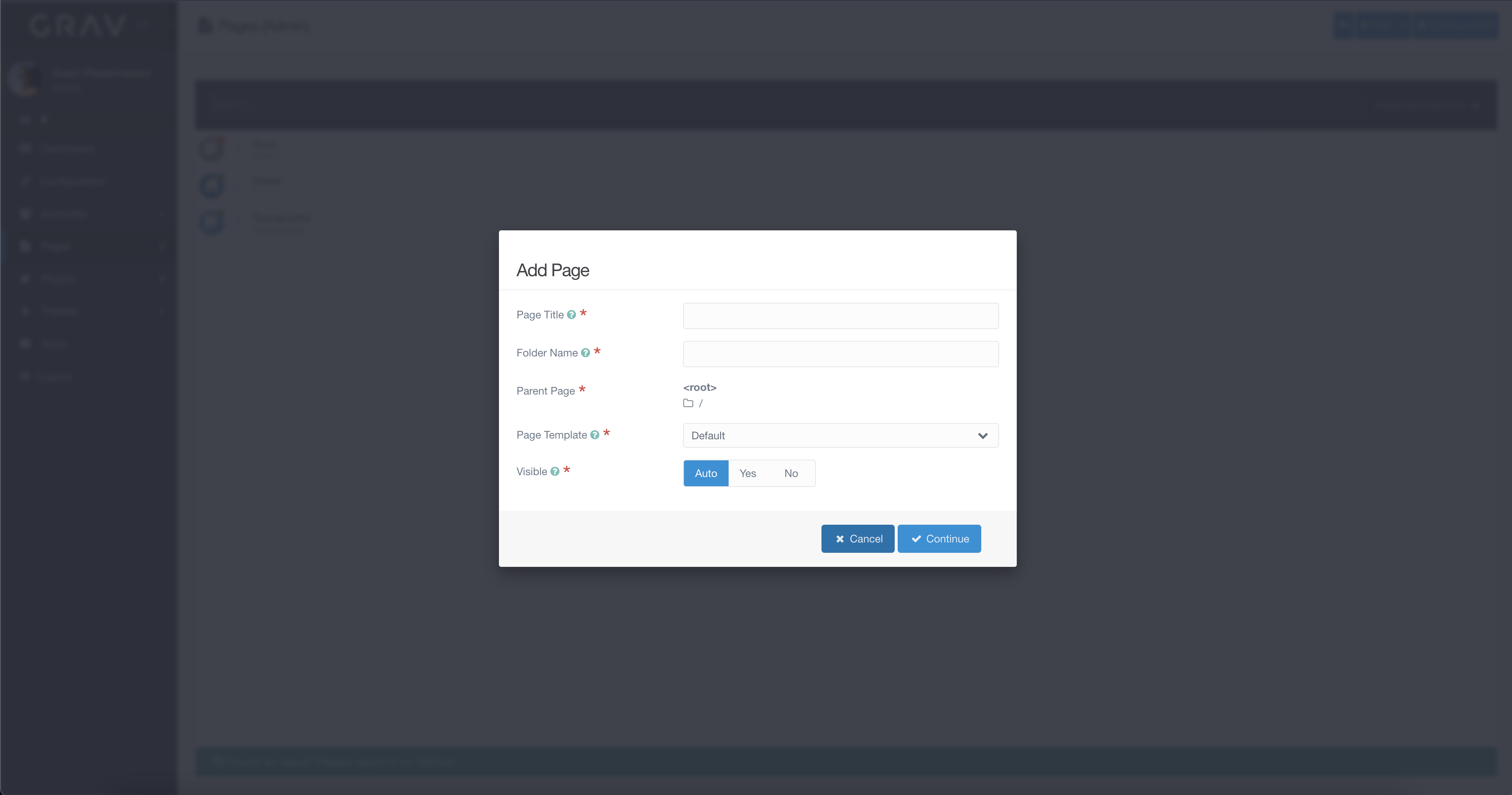 figure 2