
Manage an existing page
To manage an existing page, go to the 'Pages' tab in the left-hand menu. After that, select the page you want to edit, from the selection shown below (figure 1). If the page you want to edit is in a folder or submenu, be sure to open that folder first and then select the desired page.
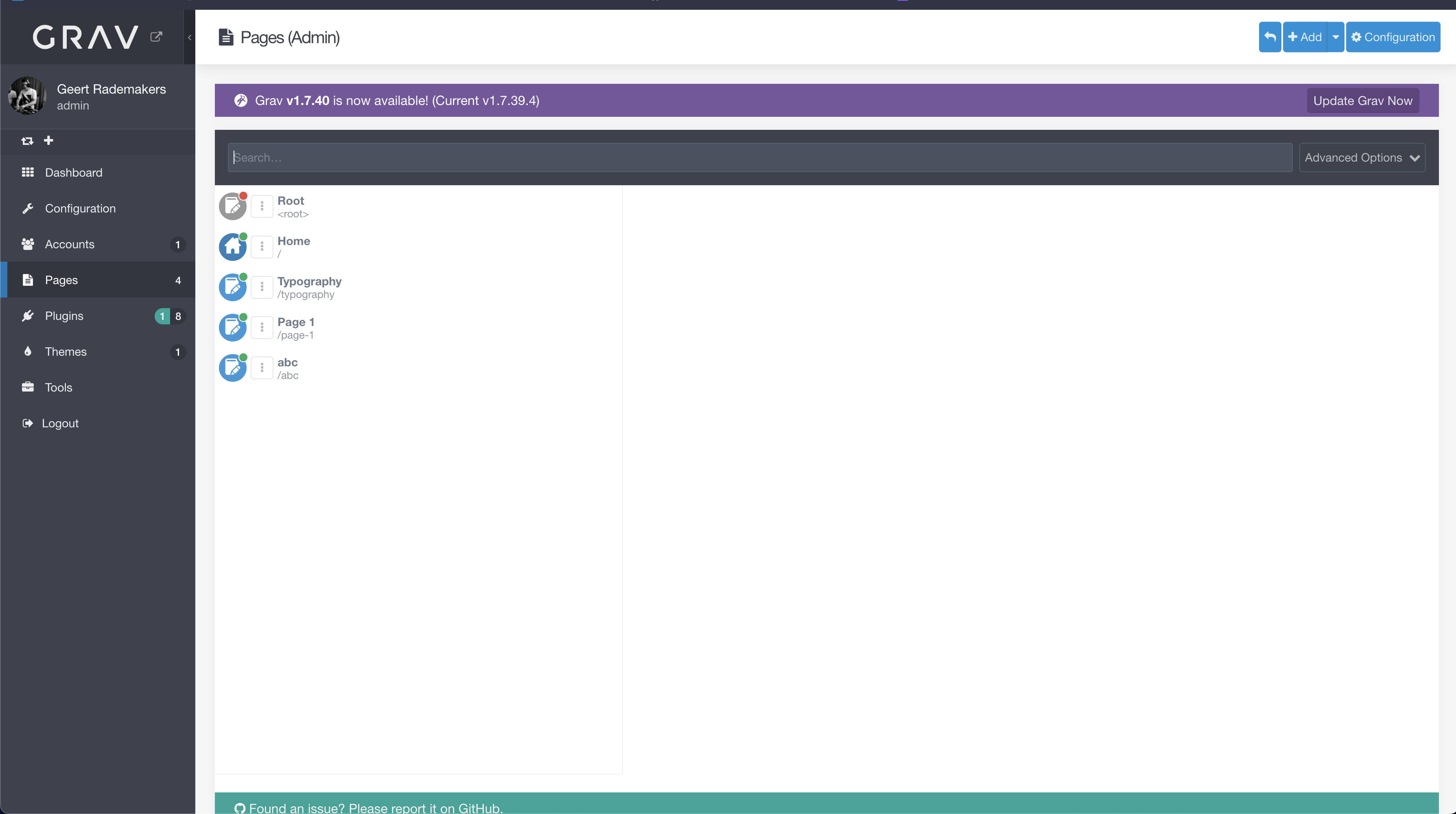 figure 1